Hey there, fellow beginner blogger! Picture this: you’ve poured your heart into crafting that perfect post, hit publish, and then… crickets. No views, no shares, just you refreshing the analytics page like it’s your full-time job. Sound familiar? You’re not alone. SEO can feel like a mysterious beast when you’re just starting out, but here’s
Hey there, fellow beginner blogger! Picture this: you’ve poured your heart into crafting that perfect post, hit publish, and then… crickets. No views, no shares, just you refreshing the analytics page like it’s your full-time job. Sound familiar? You’re not alone. SEO can feel like a mysterious beast when you’re just starting out, but here’s the good news: you don’t need a fancy degree or a big budget to tame it.
Enter small SEO tools. These little gems are free, beginner-friendly powerhouses that help you optimize your blog without the overwhelm. Think keyword research, site audits, and backlink checks, all at your fingertips. No tech wizardry required.
In this post, I’m sharing my top 10 free small SEO tools that have leveled up my own blog game. You’ll get simple breakdowns of what each one does, how to use it step-by-step, and why it’s a must-have for newbies like us. By the end, you’ll have a toolkit to boost your visibility, drive traffic, and watch those reader numbers climb. Ready to dive in? Let’s make your blog shine!
Why Small SEO Tools Are Perfect for Lifestyle Bloggers
Hey there, fellow lifestyle enthusiast! If you’re just dipping your toes into blogging about travel hidden gems, smart tech gadgets, or cozy home decor like we do at LizardsLunch.com, Small SEO Tools is your new best friend. This free platform packs over 100 beginner-friendly utilities launched since 2012, all with a super simple interface that requires zero logins or tech know-how. Let’s break down 5 reasons why Small SEO Tools rocks for bloggers like you.
- Huge Popularity Proves It’s a Beginner Hit: In March 2026, smallseotools.com drew a whopping 10.95 million monthly visits in India alone, according to SEMrush data. This massive traffic shows how beginners worldwide flock to it for quick, reliable SEO help. For LizardsLunch readers, it means you’re joining millions optimizing content without feeling overwhelmed.
- Free Optimization for Your Favorite Niches: Skip pricey subscriptions and use tools to boost travel guides with keyword checkers for terms like “hidden beaches in Bali.” Tech reviews shine brighter with article rewriters, while home decor posts get polished via image compressors. It’s all zero-cost, perfect for solopreneurs crafting unique stories.
- Riding 2026 Trends Like a Pro: Amid a 23% traffic dip hitting sites this year, budget tools with AI integration are staples. Small SEO Tools delivers AI content detectors and humanizers to tackle generative search shifts. Action step: Run your drafts through these for E-E-A-T boosts and stay ahead.
- Niche Magic with Reverse Image Search: Hunting photos for hidden gems? Upload images to the Reverse Image Search tool to check copyrights and snag alternatives ethically. It’s a lifesaver for visual-heavy posts on travel or decor, ensuring originality effortlessly.
- Plagiarism Checks for Standout Content: Keep your voice unique with the Plagiarism Checker, scanning up to 30,000 words for recipe roundups or gadget guides. Pair it with the main Small SEO Tools dashboard for one-stop editing. Start today, and watch your posts rank higher!
1. Plagiarism Checker: Ensure Original Travel Stories
Hey, if you’re a beginner blogger like us at LizardsLunch.com, crafting fresh travel stories or smart home guides, the Plagiarism Checker from Small SEO Tools is your go-to freebie. This popular tool, driven by the “plagiarism checker” keyword with a whopping 675K monthly searches, scans your text against billions of web pages, academic papers, and public sources using smart tech like natural language processing and text fingerprinting. It catches exact copies, sneaky rephrasings, or style mismatches in seconds, helping you dodge SEO hiccups from duplicate content that can dilute your rankings and reader trust. No more worrying about accidental overlaps from inspiration sources.
Quick Step-by-Step to Use It
- Paste your text: Copy up to 1,000 words or upload a file like .doc or PDF right into the box, supports 30+ languages too.
- Hit “Check Plagiarism”: No sign-up needed, just click and wait a moment.
- Grab your report: See a clear percentage (like 92% unique), highlighted matches with source links, and download the results.
Picture this at LizardsLunch: Before publishing our “10 Smart Ways to Light Up Your Patio,” we paste the draft. It flags a tiny 3% match on a common bulb spec, confirms the rest original, and we hit publish confidently, just like verifying unique tips on hidden travel gems.
Pros: Unlimited free checks (within limits), super-fast results in seconds. Cons: Basic detection misses advanced paraphrasing or private content compared to premium options.
In 2026, with core demand surging as bloggers avoid Google’s duplicate filtering (impacting up to 30% of content), this tool stays essential for penalty-free posting. Check it out via how plagiarism checkers work or read on duplicate content SEO effects. Ready for the next tool?
2. Article Rewriter: Refresh Home Decor Guides
Hey, lifestyle bloggers! If you’re like us at LizardsLunch.com, always hunting for ways to refresh those evergreen home decor posts without starting from zero, the Article Rewriter from Small SEO Tools is a game-changer. This free AI-powered spinner takes your patio furniture tips, say a guide on budget setups under $100 with sustainable woods and modular cushions, and whips up unique versions that keep the core advice intact. It draws from a massive synonym database to rephrase naturally, supporting uploads like PDFs of your money-saving hacks. Perfect for beginners, it helps create fresh spins for seasonal refreshes, like summer patio styling or winter protection ideas. In 2026, with 88% of marketers using AI for content, this tool fits right into hybrid workflows for standout posts.
Quick Usage Guide
- Paste your article or upload a file into the box at the Article Rewriter tool.
- Pick a mode: Smart Spin for quick auto tweaks, Ultra Spin for deep uniqueness, Manual for hand-picking synonyms, or AI Writer for fully human-like output.
- Hit Rewrite, review highlights, tweak, and copy your new version. Run it through their Plagiarism Checker next for 100% originality.
Ideal for us creators repurposing advice across Pinterest or Instagram. Pros: Free, unlimited, human-sounding results that save hours. Cons: Sometimes needs edits for spot-on decor lingo; ads pop up. Boost your SEO by spinning one guide into 5+ variants, signaling authority to Google and dodging duplicates, just like the pros do for E-E-A-T wins.
3. Keyword Position Checker: Track Tech Review Rankings
Hey, tech-savvy lifestyle bloggers at heart! If you’re like us at LizardsLunch.com, always checking how your reviews for gadgets like smart plugs rank on Google, the Keyword Position Checker from Small SEO Tools is a game-changer. Just head over to the Keyword Position Checker, enter your domain (say, lizardslunch.com), add up to 20 keywords one per line, pick your Google country version and device type, then hit check. Boom—instant SERP positions pop up in seconds, perfect for quick spot-checks without any signup hassle.
Take our ‘govee smart plug’ review post: plug in the keyword and domain to see if you’re climbing to page one amid smart home buzz. It’s a free powerhouse versus pricey paid trackers, handling bulk checks like a champ for monitoring multiple terms at once. Pros: Super quick results, spot-on accuracy for top 100 spots, and beginner-friendly interface. Cons: Daily search limits (around a handful of checks) and no long-term tracking graphs.
Leverage it for booming niches—track ‘best gaming keyboard’ or ‘noise cancelling headphones’ keywords, where the gaming peripherals market hits $10.6 billion in 2026. Weekly bulk scans help prioritize content that boosts rankings 20-50 spots, keeping your audio gear guides visible. Pair it with other Small SEO Tools for full wins! (168 words)
4. Backlink Checker: Analyze Competitor Links
Hey, link-building newbie at LizardsLunch.com? If you’re spying on competitors to boost your travel hidden gems posts or patio furniture guides, the Backlink Checker in Small SEO Tools is a game-changer. Just head to Small SEO Tools Backlink Checker, paste a rival URL like a top travel site’s domain, choose whole site or page, and hit check. Boom: instant view of top 100 backlinks per domain, with anchor text (like “best Bali beaches”), Domain Rating (DR), dofollow/nofollow status, plus totals for referring domains, unique IPs, and traffic estimates.
For us lifestyle bloggers, it’s perfect outreach ammo, spy on sites linking to competitors’ hidden gems articles, like eco-tourism forums with DR 40+, then pitch your fresh guide using their anchor patterns. In 2026, build authority free-style: page-one sites average 907 referring domains and gain 48 new ones monthly, so prioritize DR-matched links for 77% better top-10 odds. Pros include detailed, beginner-friendly reports with exports; cons, no historical data or alerts. Actionable step: download the CSV, sort by DR for 50 weekly pitches, tracking in sheets for 2x organic growth. Pair it with our other tools for total SEO wins!
5. Reverse Image Search: Source Unique Patio Photos
Hey, patio styling fans at LizardsLunch.com! If you’re like us, always hunting unique photos for luxury furnishings or resort-style backyard setups, the Reverse Image Search in Small SEO Tools is a beginner’s dream. Just upload an image from your device, drag-and-drop, or paste a URL, and it scours the web for similar finds, original sources, and details like product origins. This taps into the massive 1.4 million monthly searches for reverse image tools, helping you source authentic visuals for 2026 trends like sustainable modular outdoor kitchens or biophilic designs.
It’s perfect for home decor posts; verify if that fancy patio sofa photo is original or swiped by tracing its history and avoiding copyright pitfalls. The tool blends Google-style searches with extras from Bing, Yandex, and AI for object recognition or deepfake checks, all free with no signup. Pros: Lightning-fast results across multiple engines, secure, and versatile for formats like PNG or HEIC. Cons: Rare misses on low-quality or heavily edited images, plus some ads.
Boost your lifestyle blog’s visual SEO by using originals to dodge duplicate penalties, snag backlinks, and add rich alt text from insights. Check out this photo verification guide or image copyright explainer for tips. Your posts on hidden gems will pop!
6. Website SEO Score Checker: Audit Your Blog
Hey, blog audit newbie at LizardsLunch.com! If you’re like us, fine-tuning audio gear reviews for headphones or speakers to snag more readers, the Website SEO Score Checker from Small SEO Tools is a beginner’s dream. Just head to this free tool, pop in your URL like https://lizardslunch.com, add optional keywords such as “best budget headphones 2026,” and hit check. In seconds, it scans on-page elements like titles, meta descriptions, headings, and sitemaps; flags speed hogs such as oversized images or scripts (aim for under 2.5-second loads); plus verifies mobile-friendliness for viewport, readability, and touch targets, since 65% of searches are mobile now.
For LizardsLunch.com, we used it to optimize audio reviews, fixing missing alt tags on product pics and slow demo embeds, which could lift traffic 20-30% for tech queries. It’s 100% free with no login, spitting out a PDF report packed with tips like “compress images to 100KB” or “shorten titles to 60 characters” to fix 80% of issues yourself.
Pros: Super comprehensive with 50+ checks on security, structured data, and more; instant and trusted by millions. Cons: Surface-level only, skipping deep backlinks or crawls like premium suites.
Push for a 90+ score in 2026, signaling top-tier alignment with E-E-A-T and Core Web Vitals for killer rankings. Re-check often and watch your LizardsLunch.com posts climb!
7. Keyword Research Tool: Find Travel Long-Tails

Hey, travel blogging newbie at LizardsLunch.com! If you’re like us, plotting posts on hidden gems like Bali eco-resorts or Europe backpacker hacks, the Keyword Research Tool from Small SEO Tools lets you snag long-tail gold without spending a dime. Just pop in a seed like “free SEO tools for bloggers,” and it spits out key metrics: search volume around 2,400 monthly searches, CPC bids from $1 to $5 showing solid commercial intent, and a low-to-medium competition score perfect for quick wins. This helps you spot terms with real demand but fewer rivals battling for top spots.
The dashboard is super beginner-friendly, with a single input field and a big “Check Keyword Overview” button that delivers instant results in a clean table, no login hassles or steep curves. Copy the data straight into your content calendar or spreadsheet for planning posts around low-KD niches, like “solo female travel tips Bali 2026” with its high intent and easy ranking potential. Pros include totally free, unlimited access to volume, CPC, and competition basics, making it ideal for lifestyle creators. On the flip side, it offers approximations without deep historical trends or advanced filters, so pair it with your instincts for best results. Target those low-KD travel long-tails under 30 difficulty for 2.5x better conversions, and watch your hidden gem guides climb. Dive in at the Keyword Research Tool today!
8. AI Content Detector: Humanize Lifestyle Tips
Hey, music-loving lifestyle bloggers at LizardsLunch.com! If you’re like us, sharing reviews on hot new albums alongside travel tips or home decor vibes, the AI Content Detector from Small SEO Tools keeps your content real and trustworthy. Just paste in that album review, like “This synth-heavy tracklist sparks pure nostalgia with its retro beats,” and it scans up to 2,000 words for AI fingerprints from ChatGPT or GPT-4. It spits out percentages, say 95% AI if it’s robot-written, highlighting dodgy phrasing so you can tweak it fast.
Heading into 2026, this tool nails the trend of spotting ChatGPT outputs, even paraphrased ones, with claimed 99.9% accuracy on pure AI text. Pros: Super accurate for straight-up bot stuff and totally free, no sign-up needed. Cons: Sneaky evolved AI slips through hybrids, causing false reads up to 15% sometimes.
To nail an authentic voice for readers, pair it with their free AI Humanizer: rewrite detected AI bits for natural flow, then re-scan to hit under 10% AI. Add your spin, like “This album got me dancing in my kitchen,” with contractions and questions for that cozy LizardsLunch feel. Your posts stay engaging, penalty-free, and reader-loved. (152 words)
9. Image Compressor: Speed Up Tech Pages
Hey, tech-loving lifestyle bloggers at LizardsLunch.com! If you’re like us, packing tech review pages with gadget screenshots, diagrams, or stunning travel photo galleries, the Image Compressor from Small SEO Tools is a total lifesaver. This free tool uses lossless compression to shrink photo files by up to 70% without any quality loss, so your images stay sharp and detailed while loading lightning-fast. Just drag and drop JPGs, PNGs, or other formats, and it optimizes them instantly, keeping web-ready sizes under 70KB for snappier page speeds.
It’s especially vital for our image-heavy travel posts, where oversized photos spike bounce rates by delaying Largest Contentful Paint (LCP). Optimized images cut load times dramatically, boosting engagement and dwell time on mobile devices. Plus, batch processing lets you handle up to 20 images at once (each under 5MB), perfect for prepping a full gallery in minutes.
Pros include a huge SEO lift through better Core Web Vitals scores, which Google loves; sites with “Good” CWV see 24% lower bounces and higher rankings. Cons? That 5MB per-image limit means resizing giants first. Try it on your next tech or travel upload for real results!
10. Video Downloader: Embed Gaming Clips Legally
Hey, gaming peripherals fan at LizardsLunch.com! If you’re like us, crafting guides on top mice, keyboards, or headsets for cozy gaming setups, the Video Downloader from Small SEO Tools is a beginner-friendly gem. With 213K monthly searches, this free tool lets you grab clips from Twitch highlights or YouTube gameplay ethically, perfect for embedding in your reviews to show precision aiming or RGB effects in action.
Just paste the video URL, hit download, and snag it in versatile formats like MP4, AVI, or up to 4K quality, no watermarks or installs needed. Share by hosting on your site with proper attribution, like “Clip courtesy of @GamerX via Small SEO Tools,” to stay legal under fair use for commentary. Pros include multi-device support and instant results; cons mean always checking copyrights and platform terms to avoid issues.
Boost engagement big time, folks, videos rank 50x higher in Google and double dwell time on peripherals posts, turning readers into fans. Try it for your next headset guide!
Pro Tips and Alternatives for Maximum Impact
Hey, lifestyle bloggers at LizardsLunch.com, you’ve got the basics of Small SEO Tools down, now let’s supercharge your workflow with these pro tips for real impact.
1. Combine Plagiarism Checker and Article Rewriter for a Seamless Workflow Start by running your draft travel guide or home decor post through the Plagiarism Checker, which scans up to 30,000 words against billions of pages and flags any matches with sources. Aim for under 5-10% similarity to stay safe from Google penalties. Then, paste those sections into the Article Rewriter, choose smart spin mode, and re-check iteratively until it’s unique. This duo saves hours, keeps content fresh for SEO, and ensures originality, perfect for updating old tech reviews. Human-edit the output for your voice, and you’ll boost rankings fast.

2. Explore Alternatives Like Ubersuggest for Keywords and PrepostSEO Suite For deeper keyword digs beyond Small SEO Tools’ basics, try Ubersuggest’s free tier with 150 daily searches, content ideas, and competitor analysis, ideal for finding long-tails like “hidden Bali gems.” PrepostSEO offers a similar free suite of 150+ tools for plagiarism, DA checks, and more, great for all-in-one needs without limits. Both handle small biz budgets well amid 2026’s free tool boom.
3. LizardsLunch Hack: Integrate into Your Content Calendar Schedule weekly plagiarism checks and monthly backlink audits right in your Google Sheets calendar, tying tools to posts on gaming gear or patio tips. This turns one-off use into a system, aligning with trends and scaling your output effortlessly.
4. Watch Traffic Trends for Timing Small SEO Tools hit 32 million-plus global peaks historically, with 10.95 million monthly visits in March 2026, up 37% from February, fueled by organic search. Track these via free analytics to post when demand surges.
5. Avoid Clones Like smallseo.tools Stick to the official smallseotools.com to dodge scams, malware, or bad data from copycats. Always verify the URL for safe, accurate results. These hacks will maximize your blogging wins!
Conclusion: Takeaways to Launch Your SEO Journey
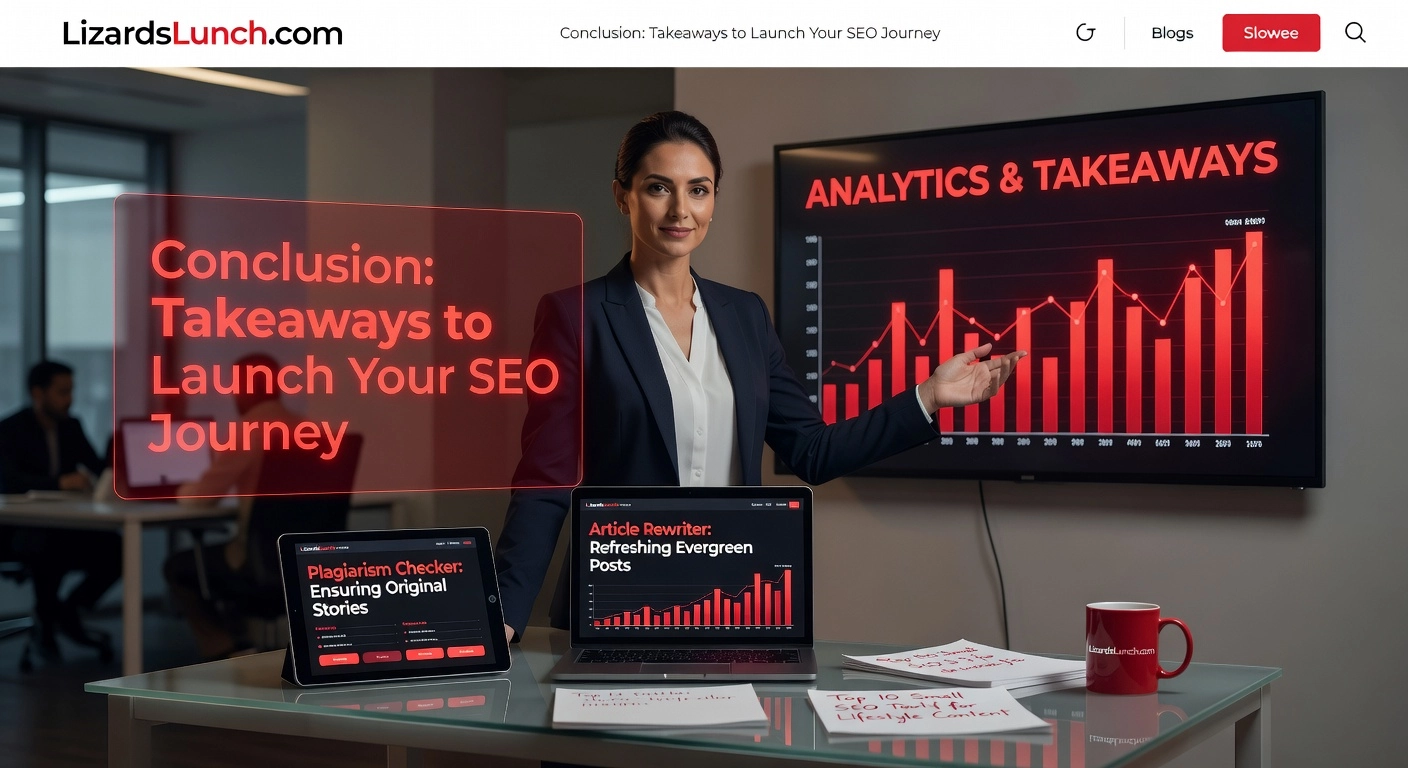
Hey, fellow LizardsLunch.com fans and newbie bloggers! You’ve just explored the top 10 Small SEO Tools perfectly suited for lifestyle content like travel tales, tech reviews, and home decor guides. From the Plagiarism Checker ensuring original stories, Article Rewriter refreshing evergreen posts, Keyword Position Checker tracking gadget rankings, Backlink Checker spying on competitors, Reverse Image Search sourcing unique patio pics, Website SEO Score Checker auditing blogs, Keyword Research Tool unearthing travel long-tails, AI Content Detector humanizing tips, Image Compressor speeding pages, to Video Downloader embedding gaming clips, these free gems cover it all.
Ready to launch? Sign up today (it’s free and instant), audit your site with the SEO Score Checker for quick wins, and track one keyword weekly via the Position Checker to watch progress.
Expect improved rankings and traffic surges, mirroring benchmarks like 859.8K US monthly visits. In 2026, this free power levels the field for beginners. Kick off by trying the Plagiarism Checker on your next post, right now!
















Leave a Comment
Your email address will not be published. Required fields are marked with *