
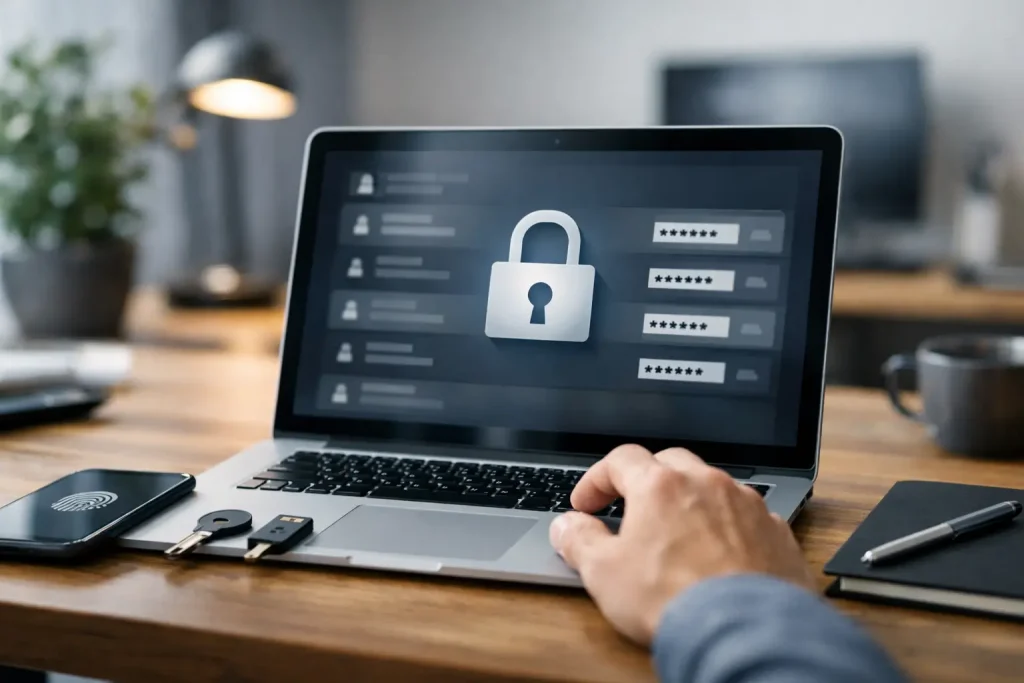
Learn how to choose a password manager by comparing security, ease of use, pricing, and features that fit your devices, habits, and needs.
You usually realize you need a password manager right after something annoying happens – a locked account, a reused password, or that sinking moment when you can’t remember which variation of your usual login you used. If you’re figuring out how to choose a password manager, the best option is not the one with the longest feature list. It’s the one you’ll actually trust, use, and keep using across your daily devices.
That sounds obvious, but it’s where a lot of people go wrong. They download the most talked-about app, import a few passwords, and then stop because the setup feels clunky or the autofill misses half their logins. A password manager only helps if it fits your habits.
What matters most when choosing a password manager
Start with the basics: security, usability, and compatibility. Those three matter more than flashy extras.
Security is the first filter, but it should be looked at realistically. Most reputable password managers use strong encryption, and many offer a zero-knowledge model, which means the provider should not be able to read your stored passwords. That’s good, but it’s not the whole story. You also want support for multi-factor authentication, a clear security track record, and a company that responds openly to incidents or vulnerabilities.
Usability is where good options start to separate themselves. If the app makes it hard to save passwords, generate new ones, or autofill logins, people fall back into old habits fast. For most readers, ease of use is not a bonus feature. It’s part of security, because friction leads to shortcuts.
Compatibility matters because your passwords do not live on one device anymore. A solid manager should work on your phone, laptop, tablet, and the browsers you actually use. If you use a Windows PC at work, an iPhone at home, and Chrome everywhere, that mix should be supported without weird gaps.
How to choose a password manager for your setup
The right choice depends on whether you’re picking for yourself, your family, or a small team.
For personal use, the sweet spot is usually a manager with strong autofill, a password generator, secure notes if you need them, and smooth syncing across devices. You probably do not need enterprise-level controls. What you do need is something that makes everyday logins faster, not slower.
For families, shared vaults can matter a lot. Being able to safely store streaming logins, Wi-Fi passwords, insurance details, or travel documents in one place is more useful than many people expect. The trade-off is that family plans can become messy if sharing controls are too broad or confusing, so it’s worth checking how permissions work.
For small businesses, administrator tools, role-based access, secure sharing, and account recovery options become more important. Price also changes here. A low-cost personal plan may look appealing, but it may not offer the controls you need once several people are involved.
Look at security features without getting lost in jargon
This is one category where marketing language can get thick fast. Focus on practical signals.
A good password manager should support a strong master password and multi-factor authentication. Biometric login, like Face ID or fingerprint unlock, is also helpful for convenience, though it should complement your main account security rather than replace it. Many services now offer passkey support too, which can be a sign the provider is keeping up with where login security is heading.
It also helps to see whether the company has had independent security audits and whether it publishes useful details about its architecture and policies. No software is perfect, and even strong providers can face incidents. What matters is how transparent and responsive they are.
Be careful with the idea that more features always means better protection. Extras like dark web monitoring or bundled VPN tools may sound attractive, but they should not distract from the core job: securely storing, generating, and filling passwords.
Ease of use is not a small detail
When people ask how to choose a password manager, they often focus on encryption first and user experience second. In practice, both matter almost equally.
A strong manager should make onboarding simple. Importing passwords from a browser or another service should not feel like a project. Saving new logins should happen with minimal effort. Updating old passwords should be straightforward, and password health reports should be easy to understand.
Browser extension quality matters more than many shoppers realize. That extension is where much of the day-to-day experience happens. If it struggles with login fields, creates duplicate entries, or constantly asks you to reauthenticate, frustration builds quickly.
Mobile performance matters too. Plenty of people do more account management on phones than on desktops now. If mobile autofill is unreliable or setup is confusing, the app may end up unused even if it looks great on a computer.
Free vs. paid password managers
A free plan can be enough for some users, especially if you mainly want basic password storage on one device type. But free tiers often limit syncing, sharing, security monitoring, or support.
Paid plans usually earn their value through convenience. Cross-device access, family sharing, emergency access, encrypted file storage, or better recovery options can make a noticeable difference. If you manage dozens of accounts, that extra polish can save time and reduce mistakes.
That said, higher price does not automatically mean better fit. Some premium services are packed with features casual users will never touch. If your needs are simple, paying for every extra tool may not make sense.
Watch for recovery and emergency access options
This is one of the most overlooked parts of choosing a password manager. The whole point is to centralize access to your accounts, which also means losing access can be a bigger deal.
Look closely at account recovery options. Some password managers have intentionally limited recovery because of their security model. That can be a strength, but it also means you need to be comfortable with the responsibility of protecting your master password and recovery method.
Emergency access can be useful for couples, families, or anyone planning ahead. If something happens to you, will a trusted person be able to access important accounts or documents? Different services handle this differently, and the right answer depends on your comfort level.
Migration matters more than people expect
Changing password managers is not hard in theory, but it can be annoying in practice. That’s why it’s smart to check import and export support before you commit.
A manager that easily imports from browsers and competing apps can save a lot of setup time. Export capability matters too. If you ever want to leave, you do not want your data trapped in a format that is hard to move.
This is also a good place to be realistic about cleanup. Importing old passwords often reveals years of duplicate accounts, weak logins, and outdated records. A good manager can help surface those issues, but you may still need to spend time organizing the vault.
Red flags worth noticing
A password manager does not need to be perfect, but a few warning signs should make you pause.
Be cautious if pricing is hard to understand, if key security details are vague, or if the app has a pattern of poor customer support. You should also pay attention to reviews that mention persistent autofill problems or sync issues across devices. Those problems can make a secure product feel unusable.
Another red flag is feature bloat that overshadows the basics. If the company spends more time selling add-ons than demonstrating dependable password management, that tells you something.
A simple way to make your final choice
If you’re stuck between a few options, compare them using your actual routine. Think about where you log in most often, which devices you use every day, whether you need sharing, and how comfortable you are with account recovery responsibilities.
Then test the experience. If a free trial or free version is available, try saving new logins, generating passwords, and signing in on both desktop and mobile. Pay attention to the little annoyances. They become big reasons people quit.
The best answer to how to choose a password manager is usually less about finding the most advanced product and more about finding the one that removes friction from better security habits. Pick one that feels easy on your busiest day, because that’s when it needs to work hardest.
A password manager should make your digital life calmer, not more complicated. If it helps you stop reusing passwords, sign in faster, and worry less about account security, you’re probably looking at the right one.















Leave a Comment
Your email address will not be published. Required fields are marked with *