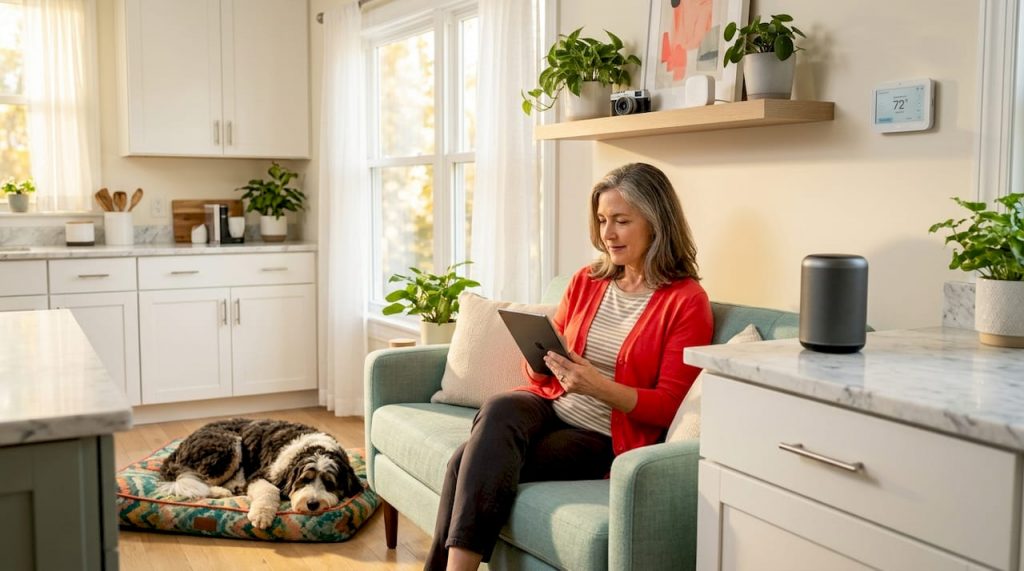
Discover how to create a smart home that works seamlessly for you. Follow our 2026 setup guide for convenience, security, and style!
You’ve got a smart bulb in the kitchen, a voice assistant in the living room, and a thermostat app you opened twice before forgetting about it. Sound familiar? Learning how to create a smart home that actually works together, feels natural to use, and looks great in your space is a completely different challenge from buying a handful of gadgets. The good news: it’s more achievable than you think. This guide walks you through every step, from setting goals and choosing the right ecosystem to installing devices, building automations, and keeping your home feeling warm and inviting rather than like a tech showroom.
Table of Contents
- Key Takeaways
- How to create a smart home: planning your ecosystem
- Choosing the right devices and placing them well
- Step-by-step setup and building your system
- Optimizing your smart home for everyday life
- My honest take on smart home design
- Ready to go further with your home upgrades?
- FAQ
Key Takeaways
| Point | Details |
|---|---|
| Start with clear goals | Define whether you want convenience, security, energy savings, or a mix before buying anything. |
| Choose one ecosystem | Picking a single platform like Google Home or Amazon Alexa avoids compatibility headaches. |
| Begin with high-impact devices | Smart lighting, thermostats, locks, and cameras deliver the most noticeable results early on. |
| Build automations early | Scenes like Wake-Up and Away Mode multiply the value of every device you own. |
| Apply the 70/30 rule | Keep 70% of your decor traditional so smart tech enhances your home without overwhelming it. |
How to create a smart home: planning your ecosystem
Before you spend a dollar, you need a plan. The single biggest mistake new smart homeowners make is buying devices randomly and hoping they work together. They usually don’t.
Define your goals first
Ask yourself what you actually want your smart home to do. The answer shapes every decision that follows.
- Convenience: Automate lighting, music, and morning routines so your home anticipates your day.
- Security: Monitor entry points, receive alerts, and control locks remotely.
- Energy efficiency: Reduce heating, cooling, and lighting costs with smarter scheduling.
- Entertainment: Sync lighting with your TV, create immersive scenes for movie nights, and control sound throughout the house.
Most homeowners want a combination, but knowing your top priority helps you budget wisely and phase your upgrades over time instead of trying to do everything at once.
Choosing your smart home ecosystem
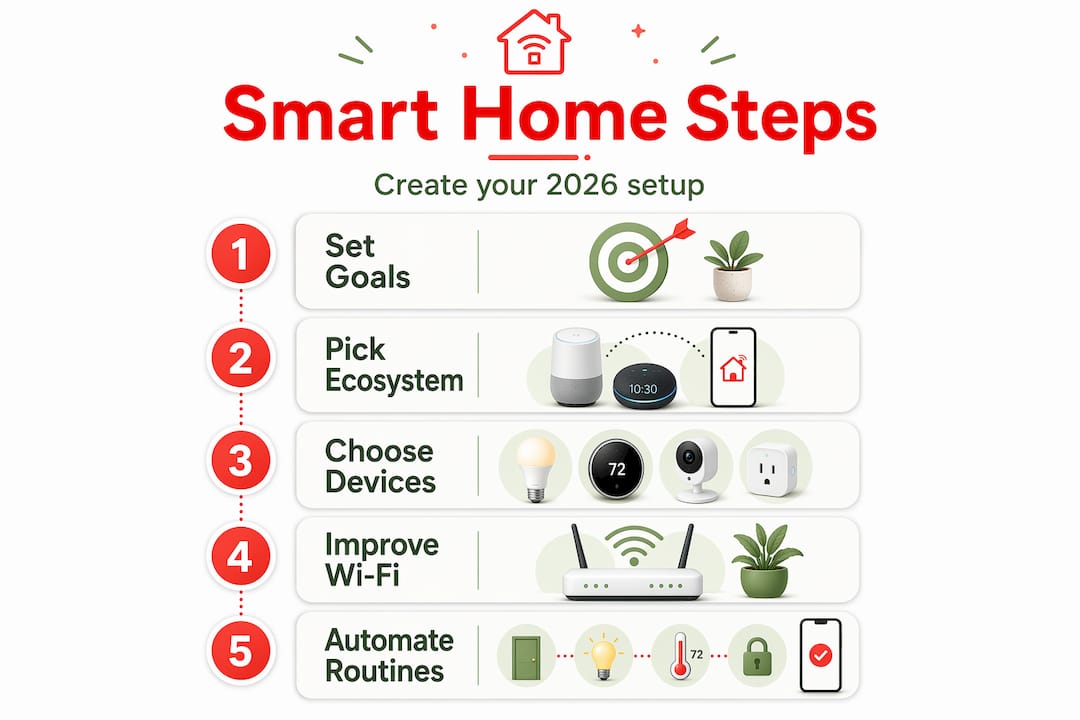
Think of your ecosystem as the operating system your entire home runs on. Popular smart home ecosystems include Apple HomeKit, Google Home, and Amazon Alexa, each suited to different user preferences. Apple HomeKit offers strong privacy and polished design but limits you mostly to Apple devices. Google Home works beautifully if you’re already in the Google world and want natural voice search built in. Amazon Alexa has the broadest device compatibility and the largest library of third-party integrations.
You don’t have to choose blindly. Think about which devices you already own, which phone you use, and whether anyone in the household is deeply committed to one platform.
Hub vs. app-only systems
Without a smart hub, devices often require multiple apps and lack unified control. A hub like Samsung SmartThings or an Aqara hub centralizes everything, including devices that use Zigbee or Z-Wave protocols instead of Wi-Fi. These protocols are worth knowing because Zigbee and Z-Wave devices tend to use less power, respond faster, and don’t clog your Wi-Fi network. The newer Matter standard is also worth paying attention to: it’s an open protocol designed to let devices from different brands work together without friction.
Pro Tip: If you want maximum flexibility without being locked into one brand, choose a hub that supports Matter, Zigbee, and Z-Wave alongside your main app-based ecosystem.
Choosing the right devices and placing them well
With your ecosystem chosen, it’s time to select devices. The temptation is to go big immediately. Resist it. A focused starting lineup delivers more impact and fewer headaches than a sprawling system you can’t fully manage.
High-value devices to start with
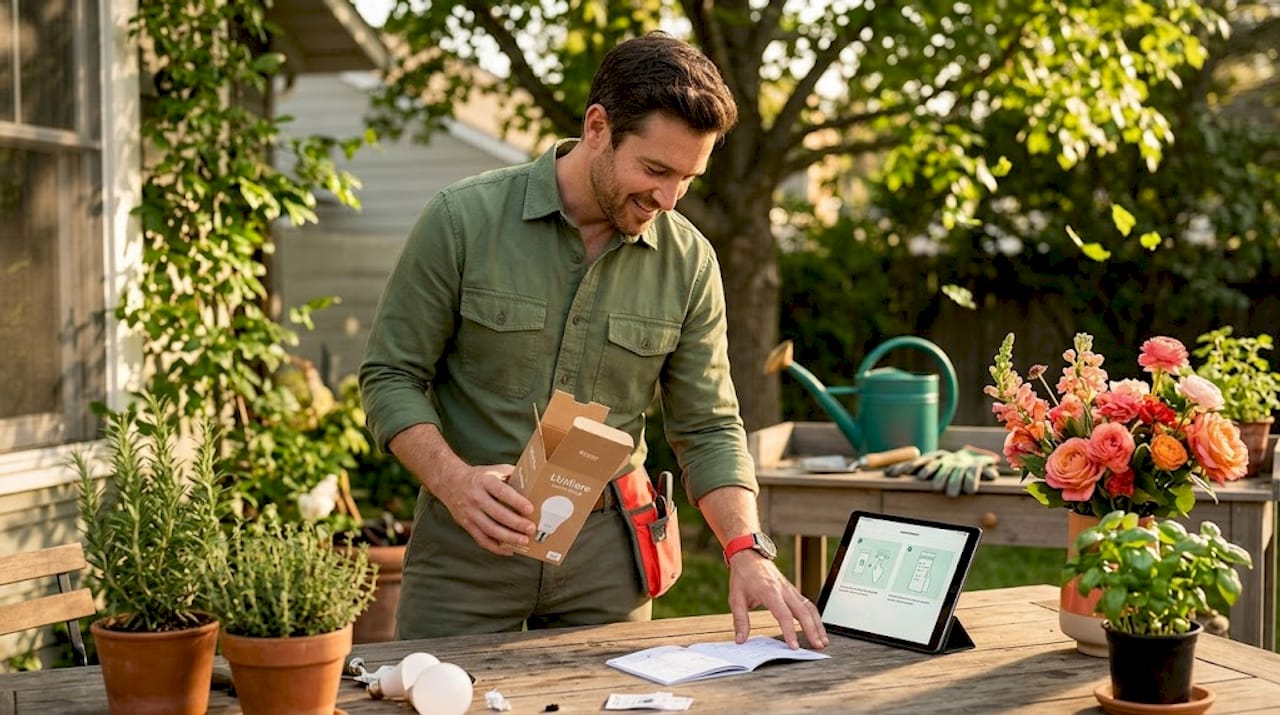
Smart lighting, thermostats, security cameras, and smart locks are the foundational devices that improve comfort, safety, and energy savings the fastest. Here’s why each earns its place:
| Device | Primary benefit | Where to start |
|---|---|---|
| Smart bulbs or switches | Ambiance, automation, energy savings | Living room, bedroom, entryway |
| Smart thermostat | Heating and cooling efficiency | Main HVAC system |
| Smart lock | Keyless entry, remote access | Front door |
| Security cameras | Monitoring, deterrence, alerts | Front door, driveway, backyard |
| Smart plugs | Retrofit any lamp or appliance | Home office, kitchen |
Wi-Fi coverage and dead zones
Your smart home is only as reliable as your network. Mesh Wi-Fi systems eliminate dead zones that cause devices to drop offline unpredictably. If your home is over 1,500 square feet or has thick walls, a mesh system is not optional. Think of it as the foundation your entire smart home stands on. Brands like Eero, Google Nest WiFi Pro, and TP-Link Deco are strong performers. Place mesh nodes in central locations on each floor, not tucked into closets.
Design integration and the 70/30 rule
Here’s something most smart home guides skip entirely. Technology can make a home feel cold, cluttered, and disconnected from its character if you’re not thoughtful about placement and aesthetics. Applying the 70/30 rule in smart home design keeps 70% of your decor traditional while 30% includes visible smart features. The result is a home that feels warm and lived in, not like a tech demo.
Practically, this means choosing devices that blend with your existing decor. Nest and Ecobee thermostats are designed to look good on a wall. Sonos speakers look like furniture. Lutron Caseta switches are nearly indistinguishable from standard ones. Cable management matters too. Run cables along baseboards, use cord covers, and position voice assistants on shelves rather than countertops when possible.
Pro Tip: Before installing any visible device, hold it against the wall in your intended spot and live with the placement decision for a day. You’ll catch awkward positions before they become permanent.
Step-by-step setup and building your system
You’ve planned. You’ve purchased. Now it’s time to bring everything to life. Here’s a clear, logical order to follow.
- Set up your router and mesh network first. Nothing else works reliably without solid Wi-Fi. Configure your 2.4GHz and 5GHz bands, because many smart devices only connect on 2.4GHz.
- Install your smart hub if you’re using one. Connect it to your router, download the corresponding app, and create your account. Name your rooms inside the app before adding any devices. This makes organization much easier later.
- Add smart switches or bulbs. Start with one room. Install the bulbs or switches, add them to the app, and confirm they respond before moving on. For switches, turn off the breaker before installation. Most smart switches need a neutral wire, so check your existing wiring beforehand.
- Install your smart thermostat. Follow the manufacturer’s wiring diagram carefully. Most thermostats include compatibility checkers on their websites. Once connected, set your base schedule inside the app.
- Add your smart lock and security cameras. Smart locks typically replace your existing deadbolt and connect via Bluetooth, Z-Wave, or Wi-Fi. Position cameras at a height of 8 to 10 feet for the best field of view without being easily tampered with.
- Connect your voice assistant. Link your Amazon Echo or Google Nest speaker to the same ecosystem app. Verify it can control your lights, thermostat, and lock by voice before building automations.
- Build your automation scenes. This is where smart home technology tips shift from convenient to genuinely transformative. Predefined routines like a Goodnight or Wake-Up Mode control multiple devices with one command.
Scenes worth building immediately
| Scene | Devices involved | Trigger |
|---|---|---|
| Wake-Up Mode | Lights gradually brighten, thermostat rises | Scheduled time |
| Away Mode | Lights off, thermostat drops, cameras active | Departure detected |
| Goodnight Mode | All lights off, doors lock, thermostat adjusts | Voice command or schedule |
| Movie Mode | Lights dim to 20%, TV on, phone notifications silenced | Voice command |
| Welcome Home | Lights on, thermostat to comfort level, lock disengages | Arrival detected |
Automation scenes like Home, Away, and Sleep modes customize the environment automatically without you lifting a finger. Once these are running, you’ll wonder how you managed without them.
Optimizing your smart home for everyday life
Setting up devices is step one. Learning how to optimize your smart home is where you unlock the full value of everything you’ve installed. This phase is ongoing, and that’s actually what makes it exciting.
Energy efficiency upgrades
A smart thermostat alone can reduce your heating and cooling bills noticeably when programmed with a real schedule rather than left on default. Pair it with smart blinds or shades to automate light blocking during peak afternoon heat in summer, or open them in winter to let in passive solar warmth. Motion sensors in rooms like bathrooms and laundry areas turn lights off automatically when no one’s there, eliminating the energy waste that traditional switches depend on human memory to prevent.
Security and monitoring
Smart home optimization improves security through alerts, monitoring, and fine-tuned automation. Set your cameras to send motion alerts only during Away Mode so you’re not flooded with notifications every time the dog walks by. Create an automation that turns on exterior lights when motion is detected after sunset. Pair your smart lock with a keypad code for family members and temporary codes for guests that expire automatically.
Regular maintenance keeps everything humming
Regular maintenance, including software updates, battery replacement, and reviewing automation, prevents security vulnerabilities and device failures. Set a monthly calendar reminder to check for firmware updates across your devices. Replace low batteries in sensors and locks before they fail. Review your automations every few months because your schedule and needs change, and your routines should too.
- Check for app and firmware updates on all devices monthly.
- Test your smart lock’s battery level and keypad response every 30 days.
- Review camera footage storage and delete unnecessary clips to maintain performance.
- Walk through each automation scene seasonally and adjust for daylight, temperature, and routine changes.
- Audit which devices you actually use. Unused devices create security exposure and network clutter.
Pro Tip: Create a shared note or document that lists every device, its location, and its current firmware version. When something stops working, you’ll have exactly the reference you need to troubleshoot fast.
For more ideas on how to automate your home and build routines that actually stick, exploring a smart home automation guide can give you a deeper playbook once your foundation is in place.
My honest take on smart home design
I’ve watched a lot of beautiful homes get ruined by smart technology. Not because the tech was bad, but because the owners treated their house like a testing ground rather than a home. Devices mounted at awkward angles. Speaker cords snaking across floors. Motion sensors flashing blue lights in the middle of the night. The tech worked perfectly and the home felt terrible.
What I’ve learned from spending years thinking about how people actually live with technology is that your home’s warmth should come first. Always. The 70/30 principle of integrating smart tech with traditional decor isn’t just aesthetic advice. It’s a philosophy about what a home is supposed to feel like. When you walk into a well-designed smart home, you shouldn’t notice the technology. You should notice how good the light feels, how comfortable the temperature is, how effortlessly everything responds.
My recommendation is always to start small and layer. Pick one room, get it working beautifully, and live in it for a few weeks before expanding. That experience teaches you more than any guide can because you discover what you actually need versus what sounded good in the planning phase.
The other thing I’d push back on is the idea that your smart home is ever “done.” The best ones are always evolving, always getting slightly better tuned. That’s not a flaw. It’s exactly what makes this process genuinely rewarding rather than a one-time project you check off a list.
— Alexander
Ready to go further with your home upgrades?
If this guide has sparked your excitement, the next step is putting those ideas into action with the right resources behind you. There’s a wealth of detail worth exploring when it comes to maximizing the value of every upgrade you make. Whether you want to understand which home improvement tech ideas genuinely transform living spaces or you’re curious about which smart gadgets simplify daily life, there’s practical guidance waiting for you.
For homeowners who want a bigger picture view, the guide on home upgrades that boost comfort covers smart technology alongside structural and design improvements that increase both livability and property value. And if you want focused advice on getting the best financial return from your updates, the resource on home improvement tips that maximize ROI is exactly where to go next. Your smart home journey is just getting started, and the right knowledge makes every decision sharper and every upgrade more satisfying.
FAQ
What is smart home technology?
Smart home technology refers to connected devices and systems in your home that can be controlled remotely, automated, or programmed to work together. This includes lighting, thermostats, locks, cameras, and appliances that communicate through Wi-Fi, Zigbee, or Z-Wave protocols.
How do you choose the right smart home ecosystem?
Choose your ecosystem based on your existing devices and phone platform. Apple HomeKit suits iPhone users who prioritize privacy, Google Home works well for Android and Google service users, and Amazon Alexa offers the broadest device compatibility for most households.
How many devices do you need to start a smart home?
You can start with just three or four devices and build from there. Smart lighting, a thermostat, and a smart lock form a powerful foundation that covers convenience, energy savings, and security from day one.
How do automation scenes work?
Automation scenes group multiple devices into a single command or trigger. A Goodnight scene, for example, can turn off all lights, lock the front door, and lower the thermostat with one voice command or a scheduled time, as noted in beginner smart home setup guides.
How often should you update your smart home devices?
Check for firmware and app updates monthly. Regular software updates and battery checks prevent security vulnerabilities and keep your automations running reliably without unexpected failures.


















Leave a Comment
Your email address will not be published. Required fields are marked with *